Google AdSense Ad Serving Limit: Why It Happens, and How to Get It Lifted
An ad limit isn’t a ban — it’s Google throttling how many ads your account can show while it re-evaluates traffic quality. Here’s what actually triggers one, and the right order of operations to get it lifted.
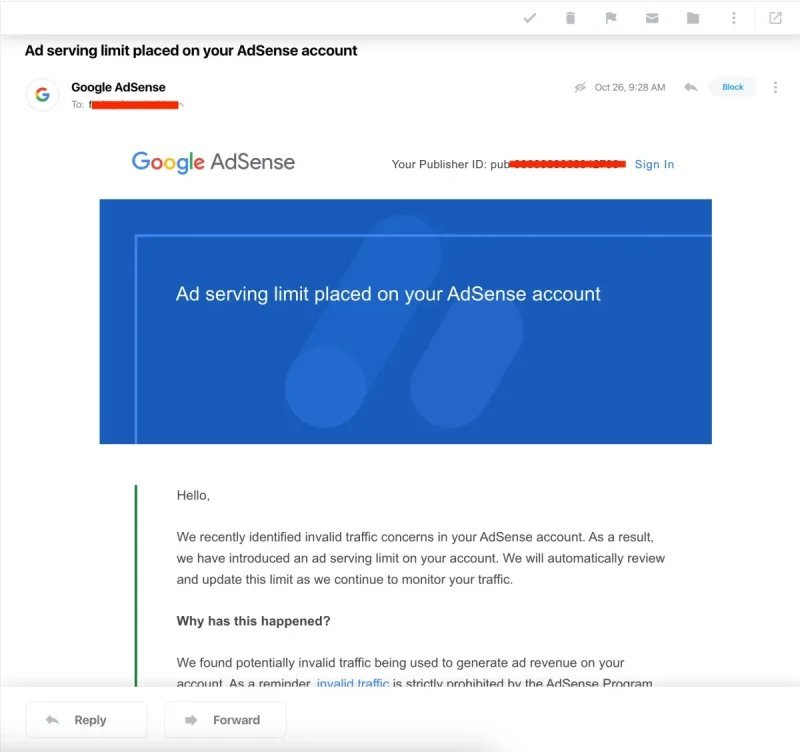
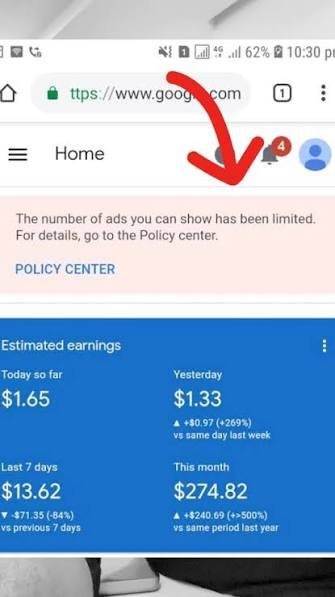
When Google’s systems see something in your traffic or account activity that doesn’t look reliable, they don’t always disable the account outright. More often, they place an ad serving limit — reducing the number of ads shown on your site while they monitor it. You’ll usually see this as a banner in your dashboard, a message in Policy Center, or an email like the one below.
What actually triggers an ad limit
- A sudden, unexplained traffic spike — especially one that doesn’t match your normal referral or search pattern.
- Suspicious click patterns on ad units — clusters of clicks from the same source, unusual click-through rates, or clicks that look automated.
- Invalid or incentivized traffic reaching the site — including traffic from sources the publisher didn’t vet.
- Policy violations elsewhere on the site — content, layout, or third-party scripts that conflict with AdSense program policies.
- Signals shared across related accounts or sites — Google’s review isn’t always limited to a single property in isolation.
What to do the moment you see one
1. Stop, don't guess
Before changing anything, pause any traffic source you can’t fully vouch for — paid campaigns, traffic exchanges, or anything that isn’t organic search or direct, returning readers. You want your traffic profile to look normal again, not different.
2. Read the Policy Center message carefully
Google often tells you the general reason, even if it’s not highly specific. Treat it as a starting point for the audit, not the whole diagnosis.
3. Audit ad placement and traffic sources together
Look for ad units placed where accidental clicks are likely (too close to navigation, inside content in a way that invites misclicks), and cross-reference which traffic sources correlate with unusual click behavior.
4. Do not click your own ads, ever, for any reason
Not to “test” them, not to see how they look. This is one of the fastest ways to make a limit worse or convert it into a suspension.
5. Fix the root cause before requesting a review
Requesting a review before the underlying issue is actually resolved tends to reset the clock without changing the outcome. Fix first, then request.
6. Expect this to take time
Limits are lifted once Google’s systems observe a sustained period of clean signals — there’s no way to force an immediate reversal, and claims otherwise are not credible. Weeks, not days, is the realistic window.
How we approach ad limit recovery
Our process starts with a full traffic and placement audit to identify what actually triggered the limit, removes or corrects whatever we find, and then manages the account through Google’s review process correctly — with a strong track record of getting limits lifted for accounts that were fixed properly first.
Ad Limit Removal & Recovery
We diagnose exactly why the limit was placed, fix the underlying traffic-quality or compliance issue, and manage the review process from there — instead of leaving you to guess at what Google’s message actually means.
Seeing an ad limit right now?
The sooner the root cause is diagnosed, the sooner the review process can actually work in your favor.